Seller guide
Publish a component
Publishing takes a couple of minutes. Here is the full flow, from the Publish button to your component appearing on your seller page.
- 1
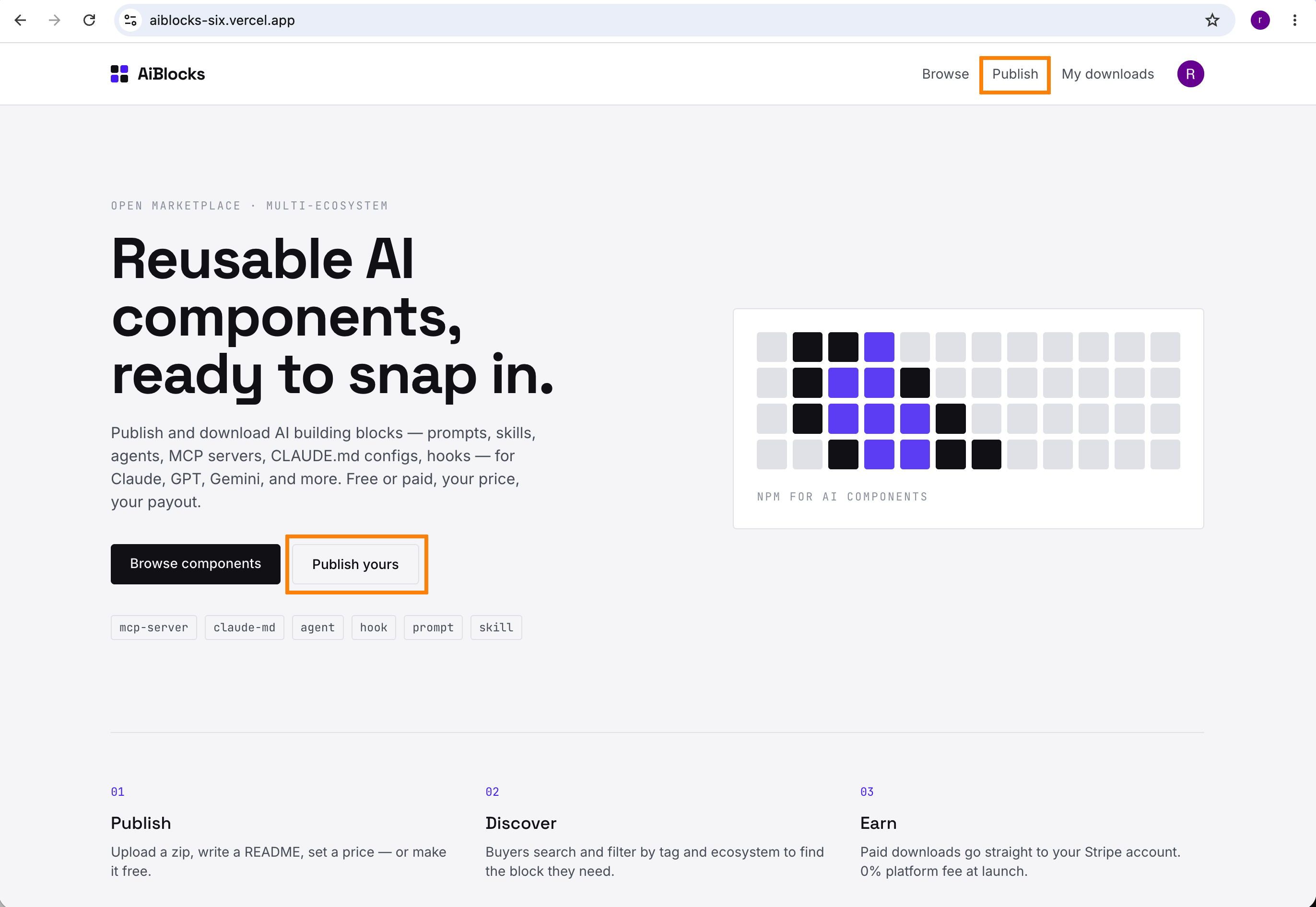
Start the publish flow
From the seller dashboard, press the “Publish” button to begin.
- 2
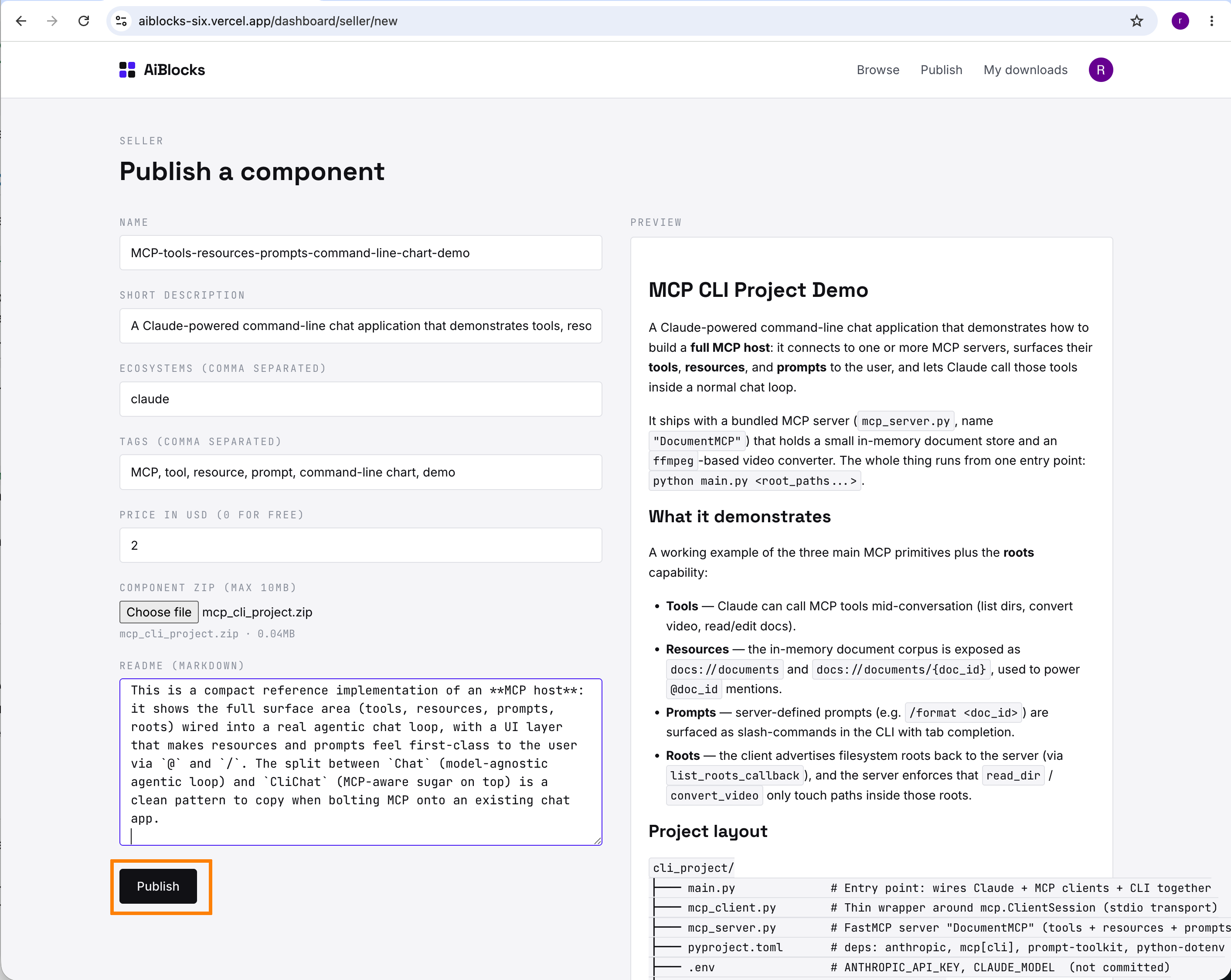
Fill in the publish form, then press “Publish”
Add the name, description, ecosystems, tags, price (0 for free), README, and your component zip (max 10MB). Then submit.
- 3
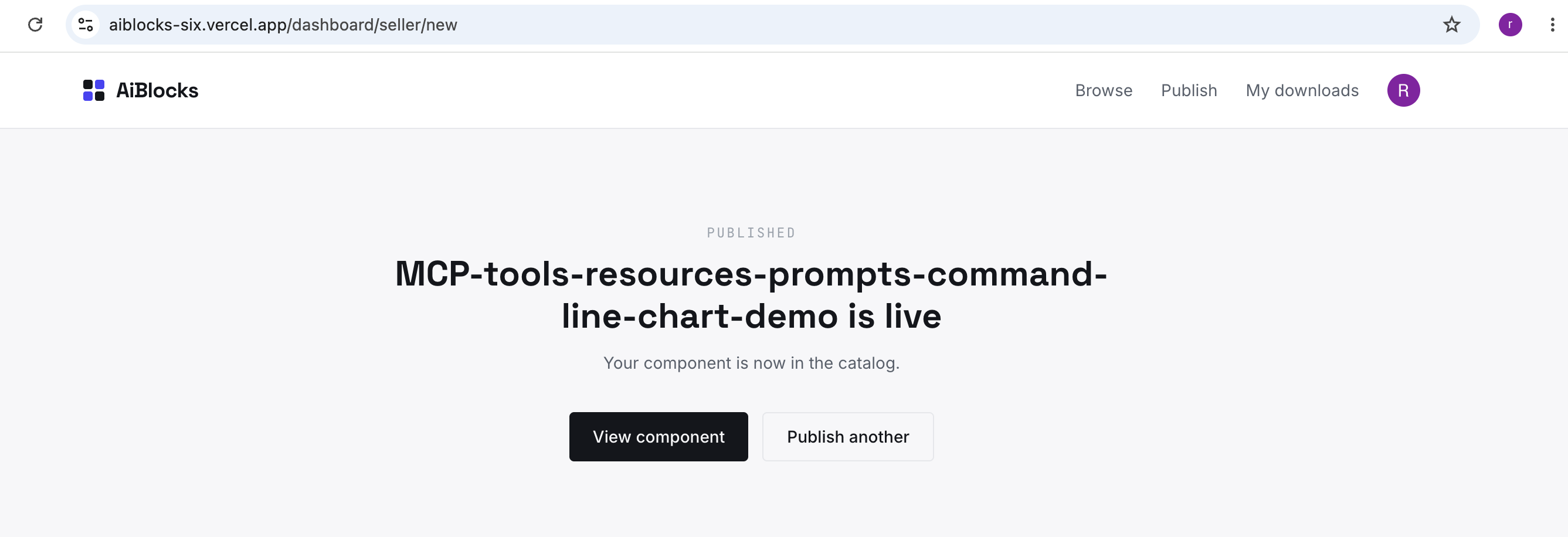
Your component is created
Once submitted, the component is published to the catalog.
- 4
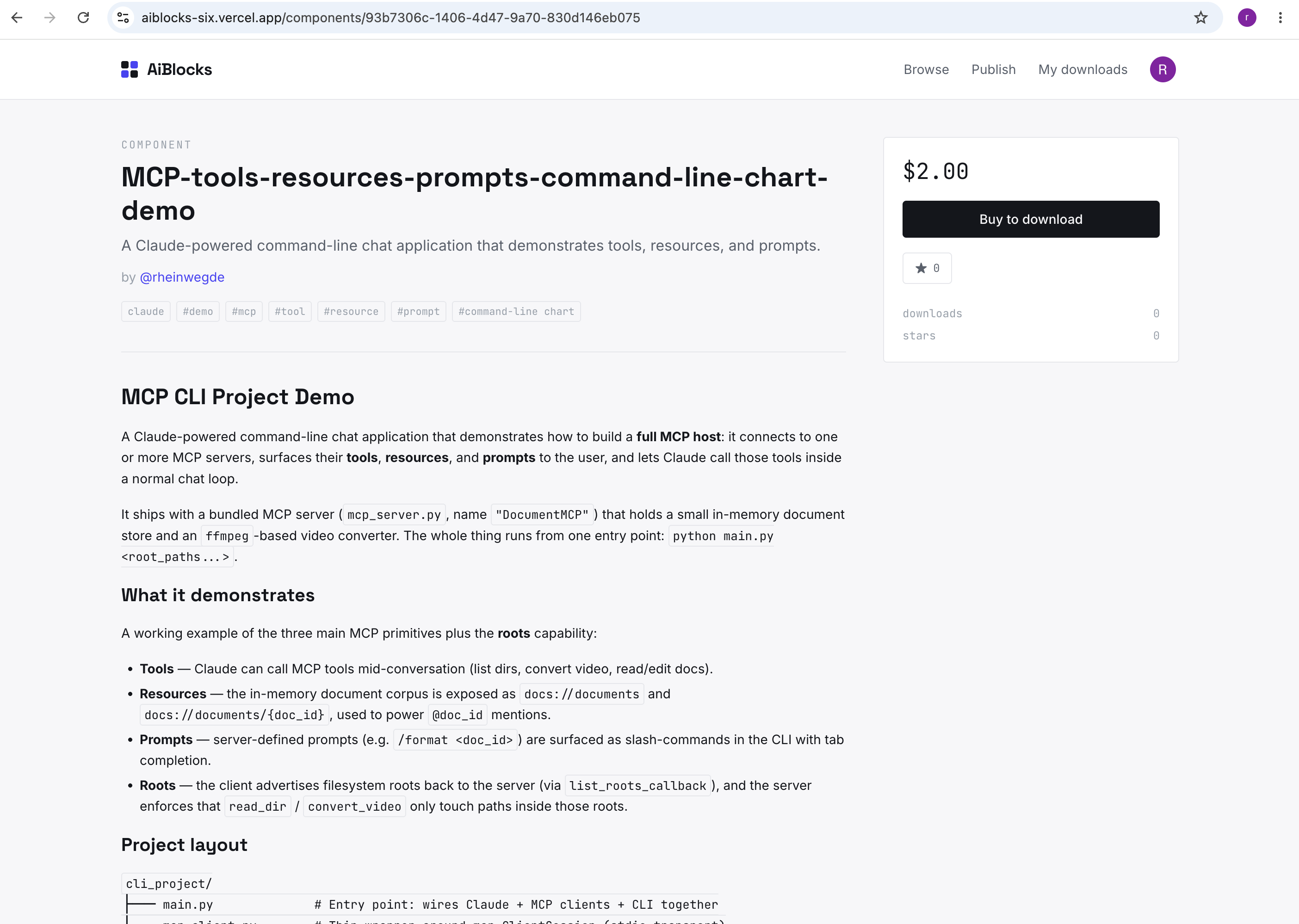
Review the component detail page
The detail page shows the full information for your component — README, metadata, price, and download.
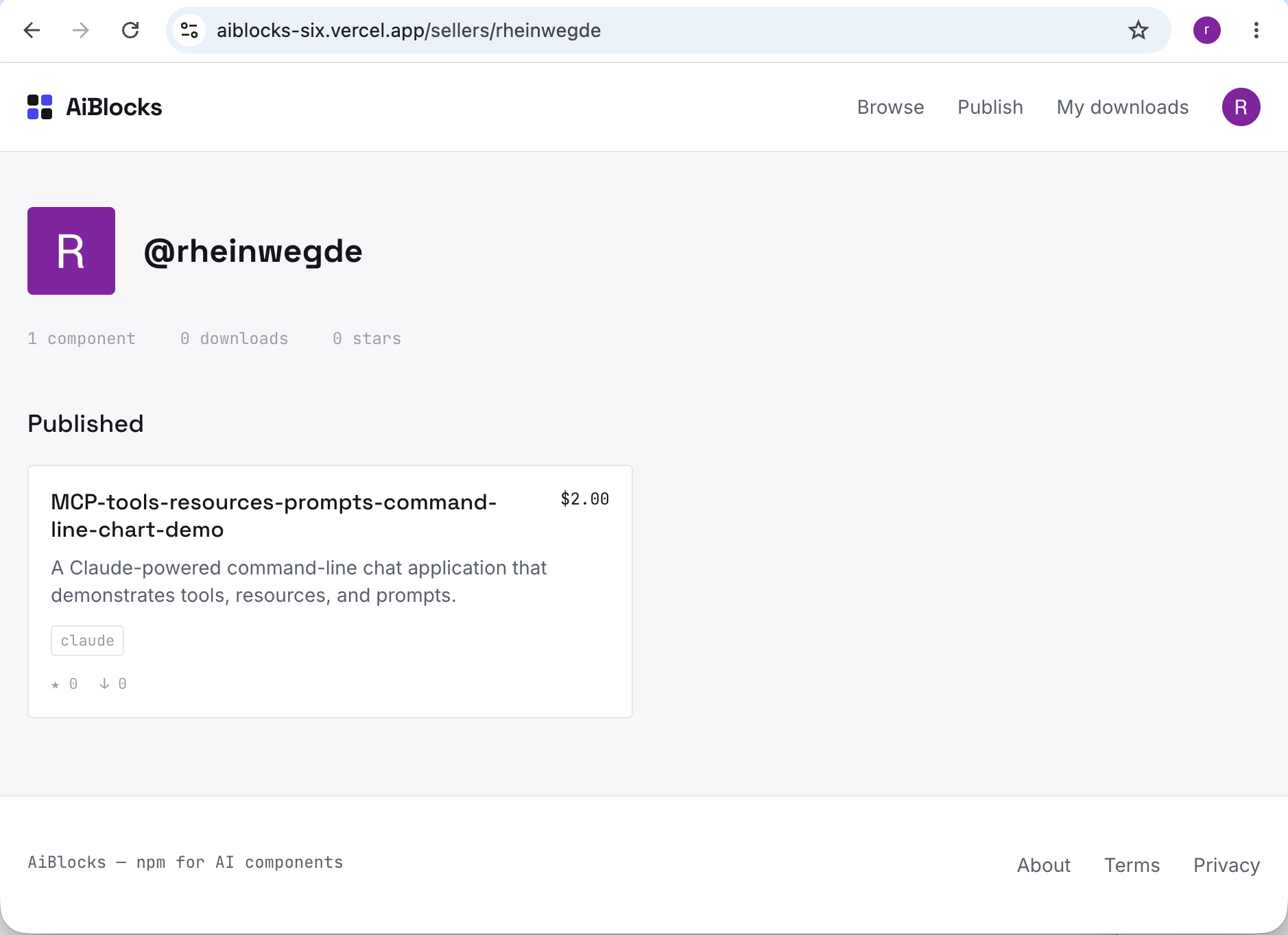
- 5
Find it on your seller page
All of your published components are listed on your seller profile.