Seller guide
Connect Stripe to get paid
To sell paid components, connect a Stripe account so buyers can pay you directly. AiBlocks takes 0% — Stripe’s standard processing fee applies. Here is the full onboarding flow. After onboard your Stripe account, Stripe will sent your money to your Bank account every Monday.
- 1
Start Stripe onboarding
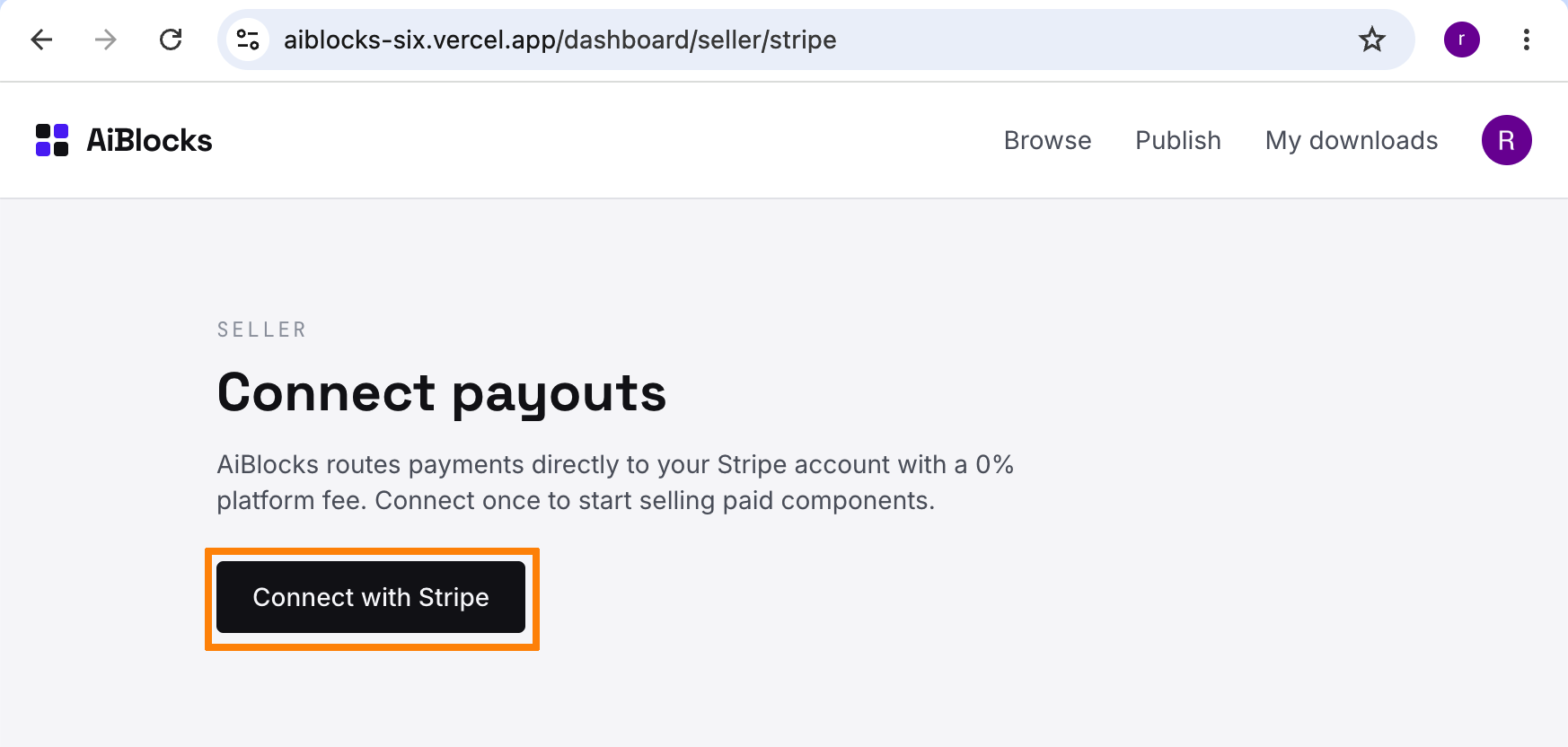
Signed in, go to your seller Stripe page /dashboard/seller/stripe and click “Connect with Stripe” to begin onboarding your connected account.
- 2
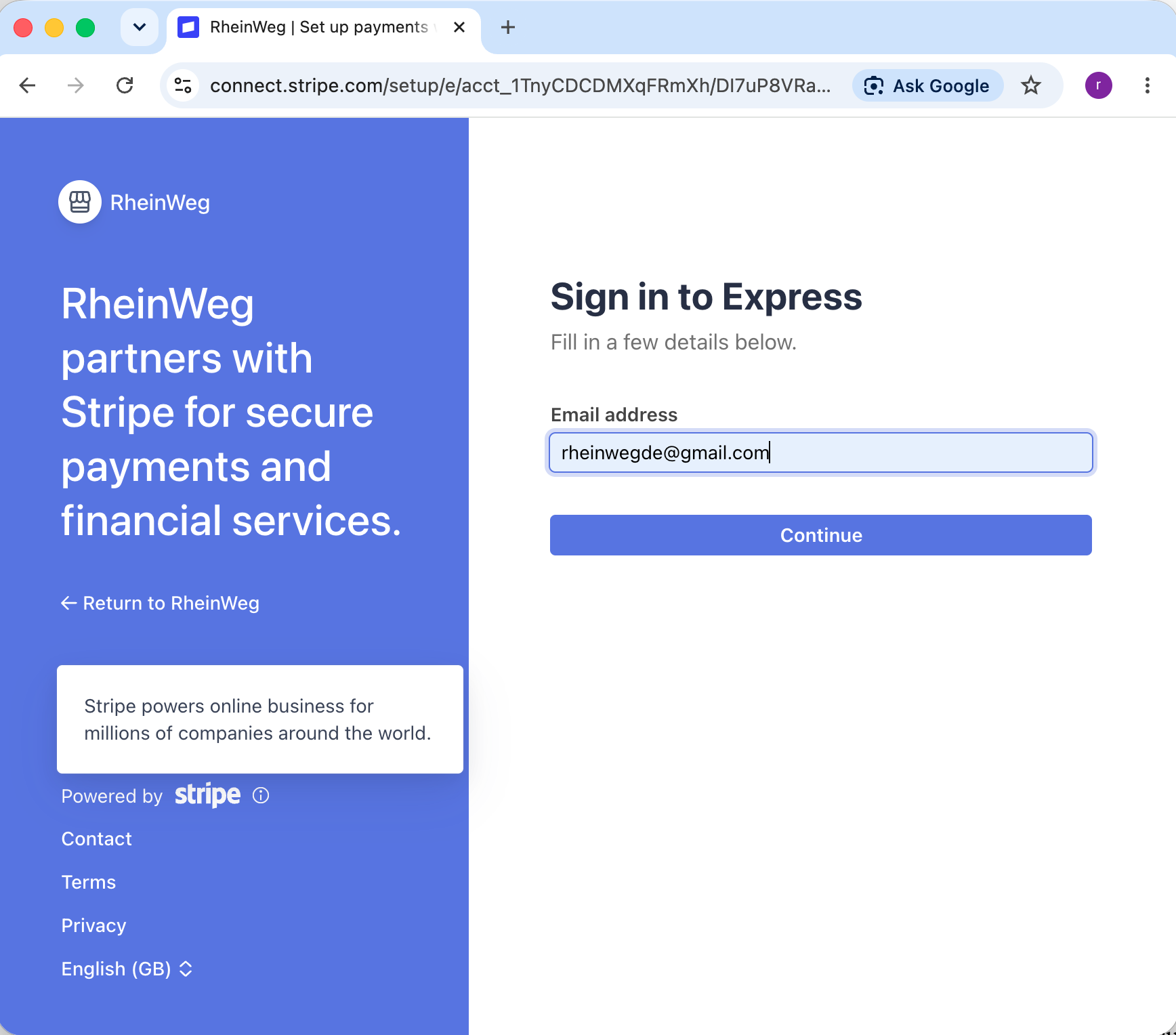
Complete Stripe’s Express onboarding
Stripe hosts the rest of the flow. Follow its prompts to set up your account.
- 3
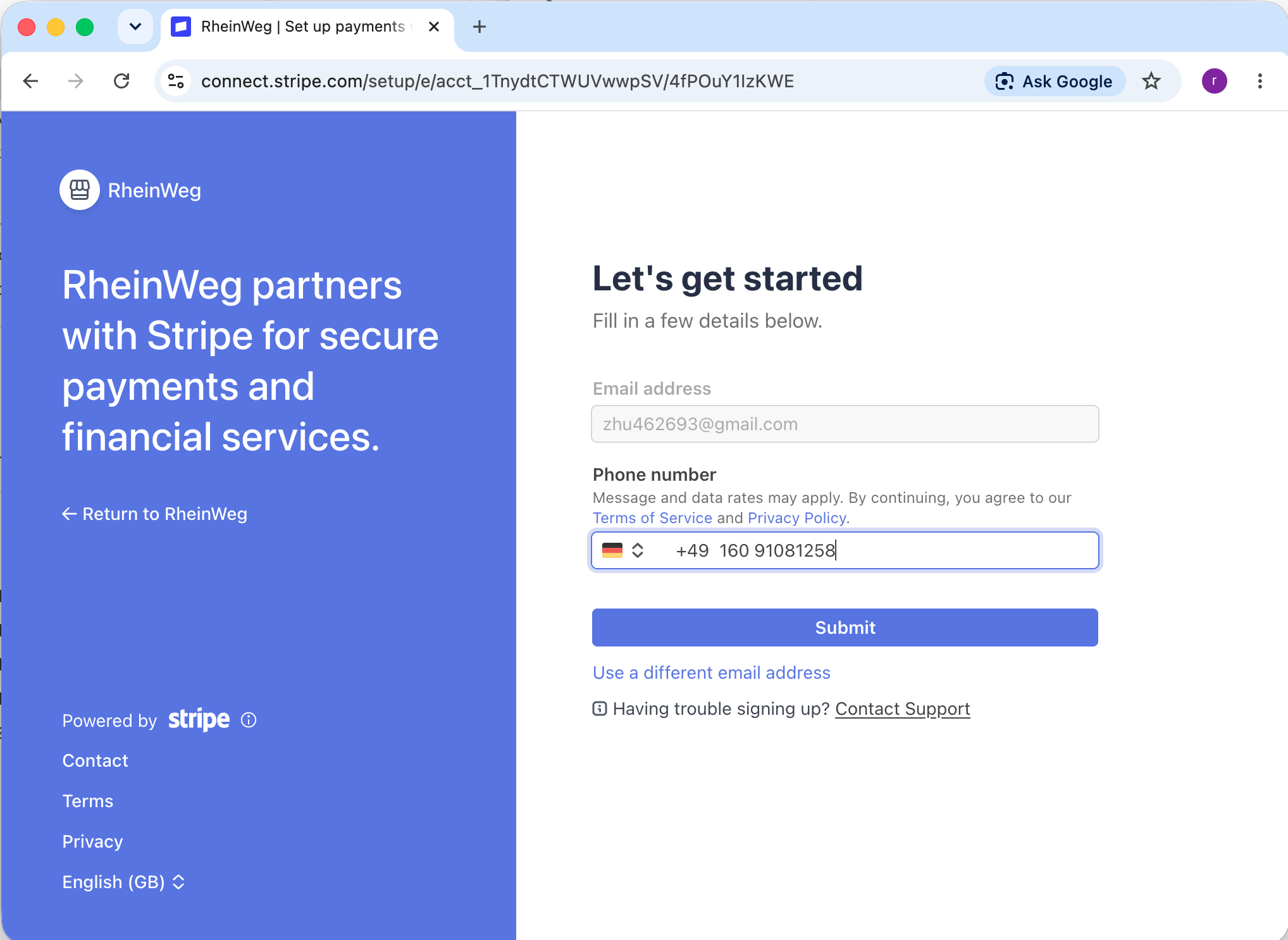
Provide your mobile phone number
- 4
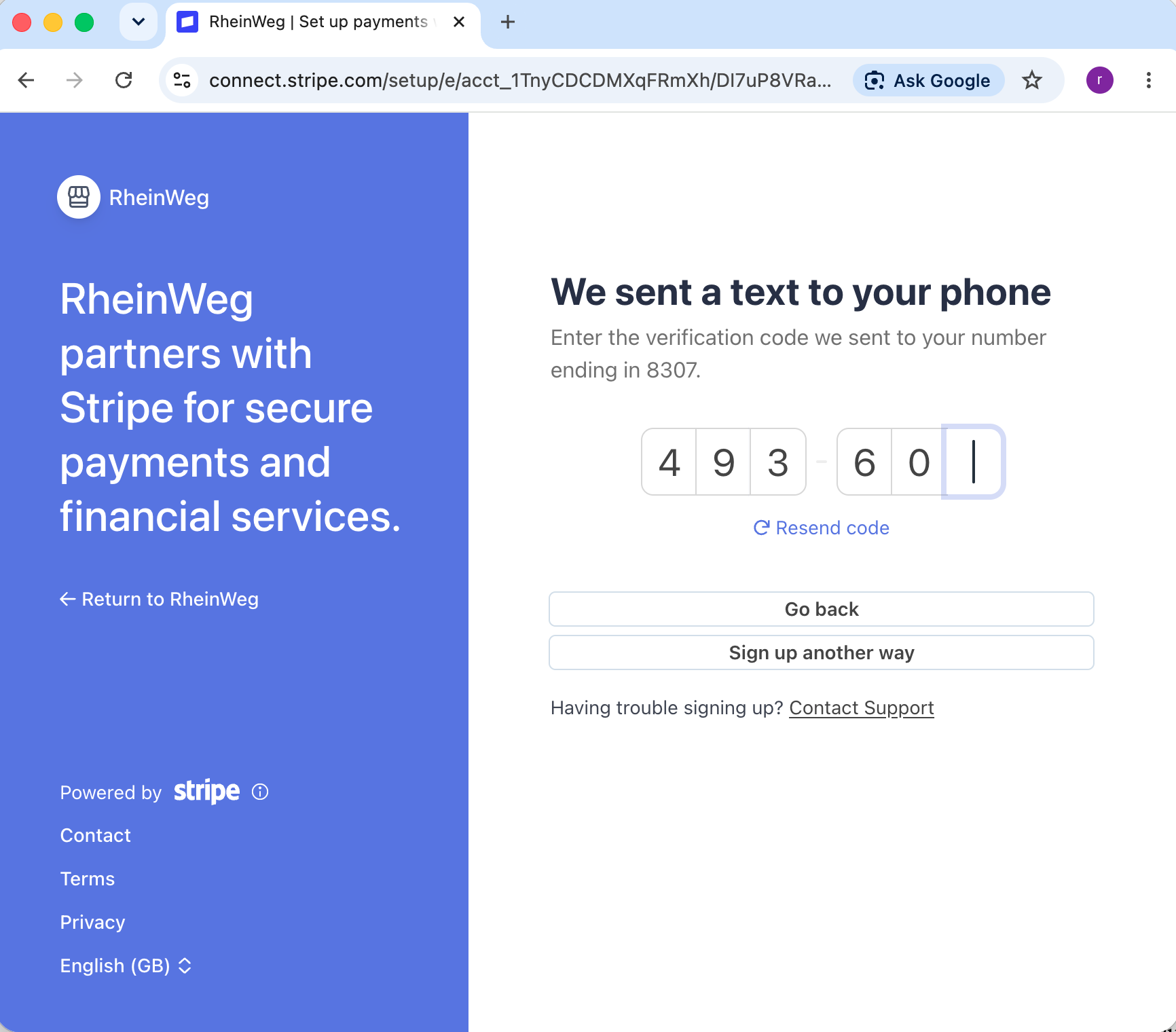
Enter the 6-digit code Stripe texts you got on your mobile phone
- 5
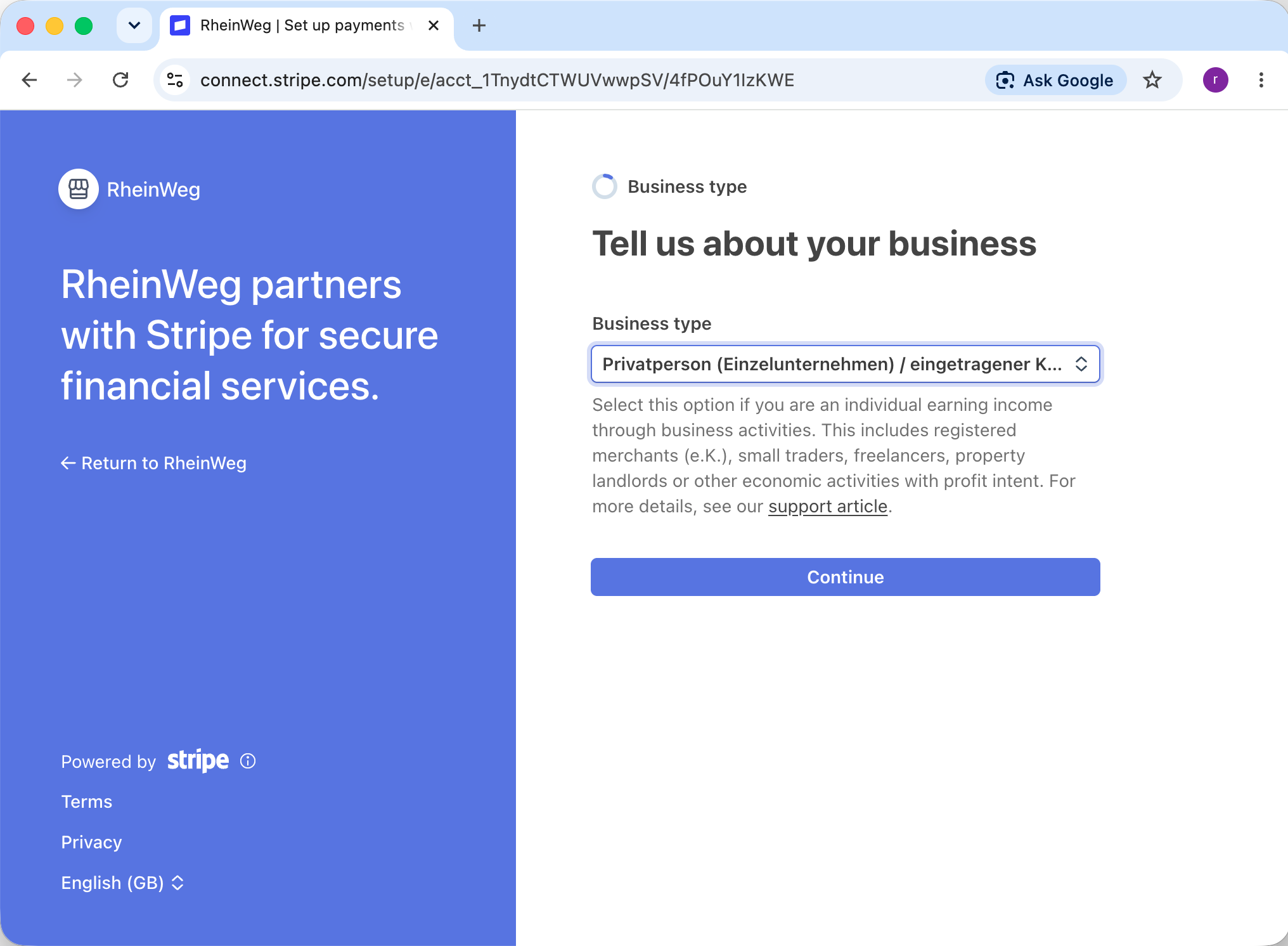
Tell Stripe about your business
- 6
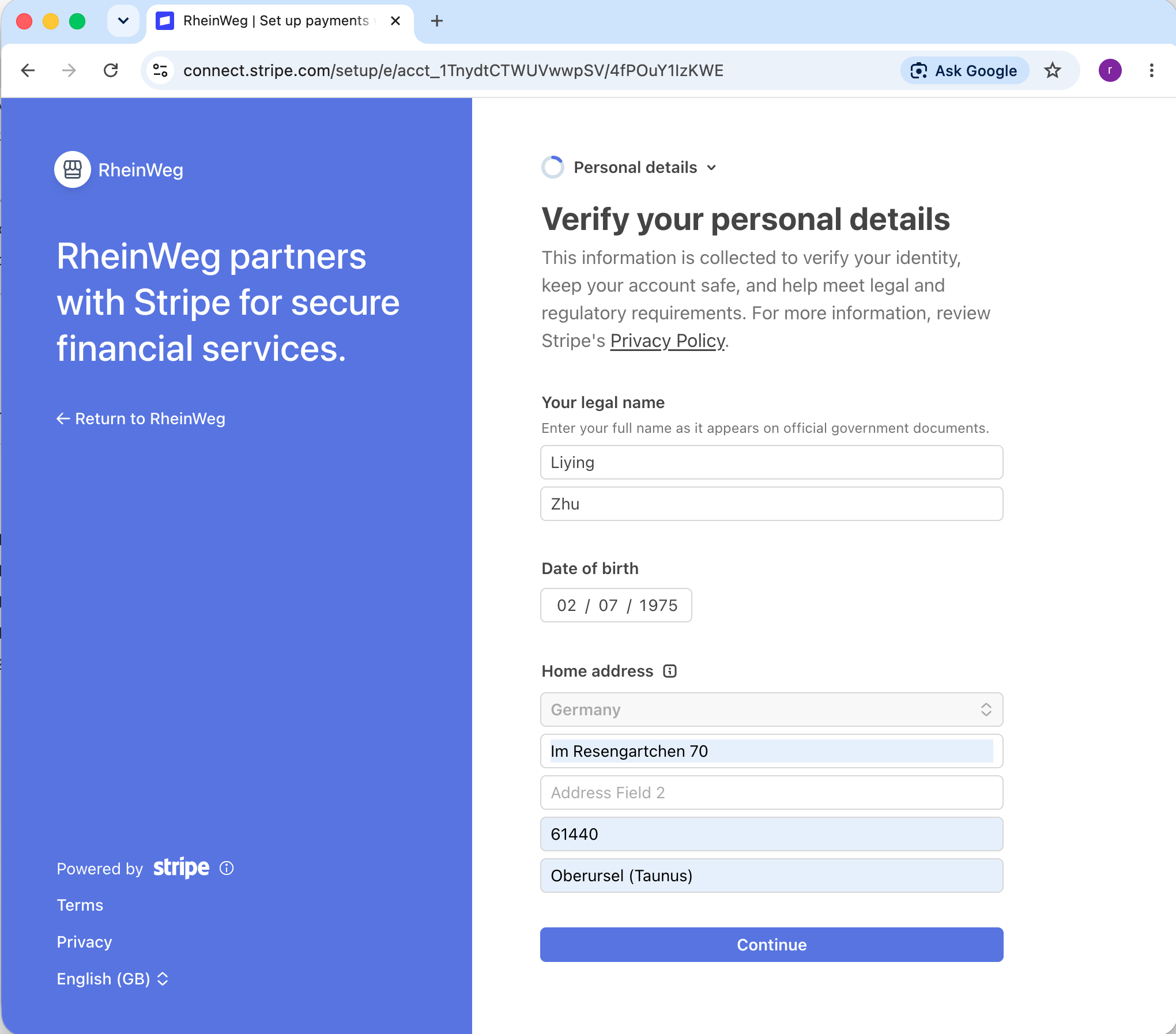
Provide your personal details
- 7
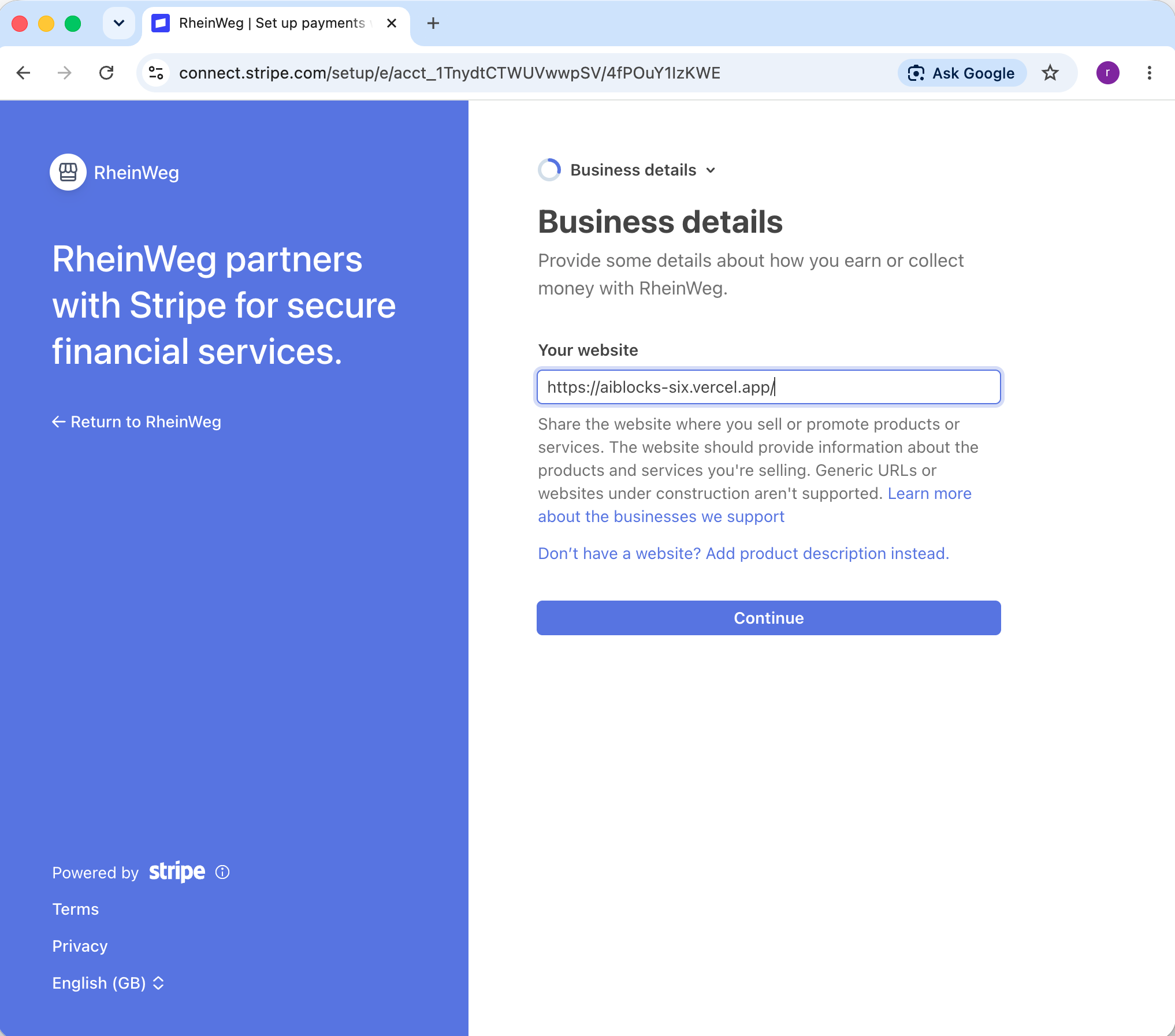
Add your business details
- 8
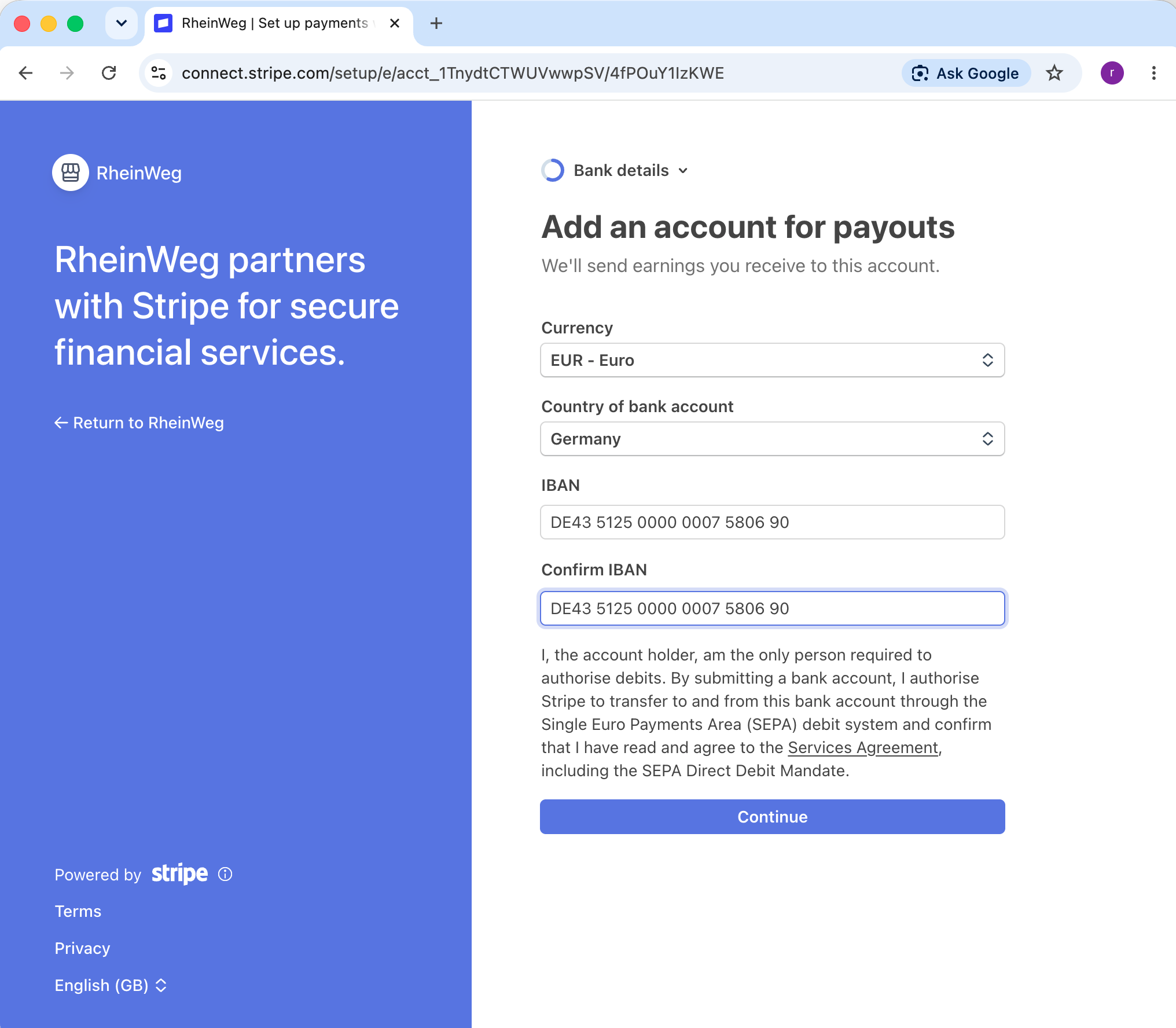
Add a bank account for payouts
This is where your earnings are paid out. Payments from buyers route directly to this account.
- 9
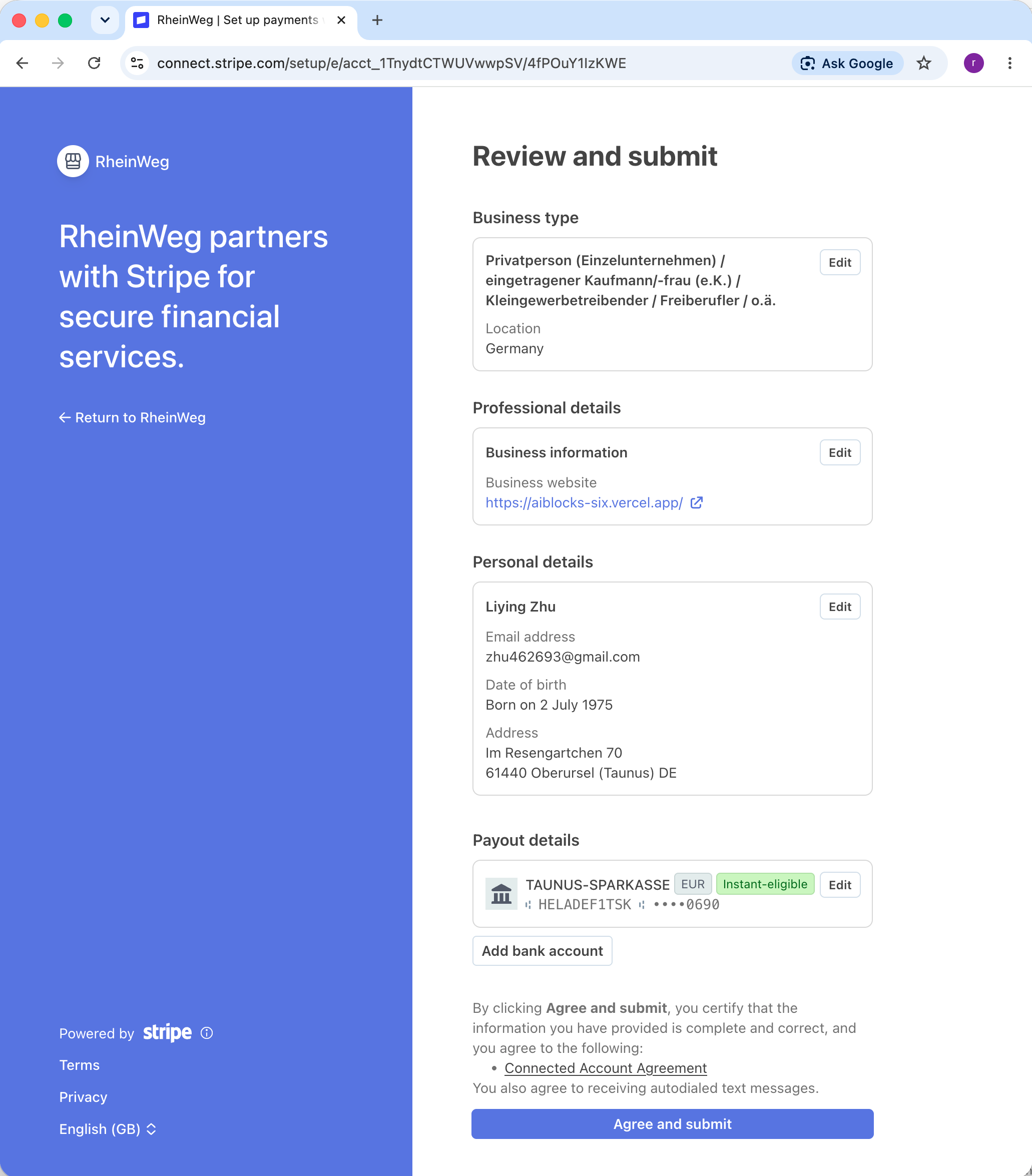
Review and submit
- 10
Done — return to AiBlocks
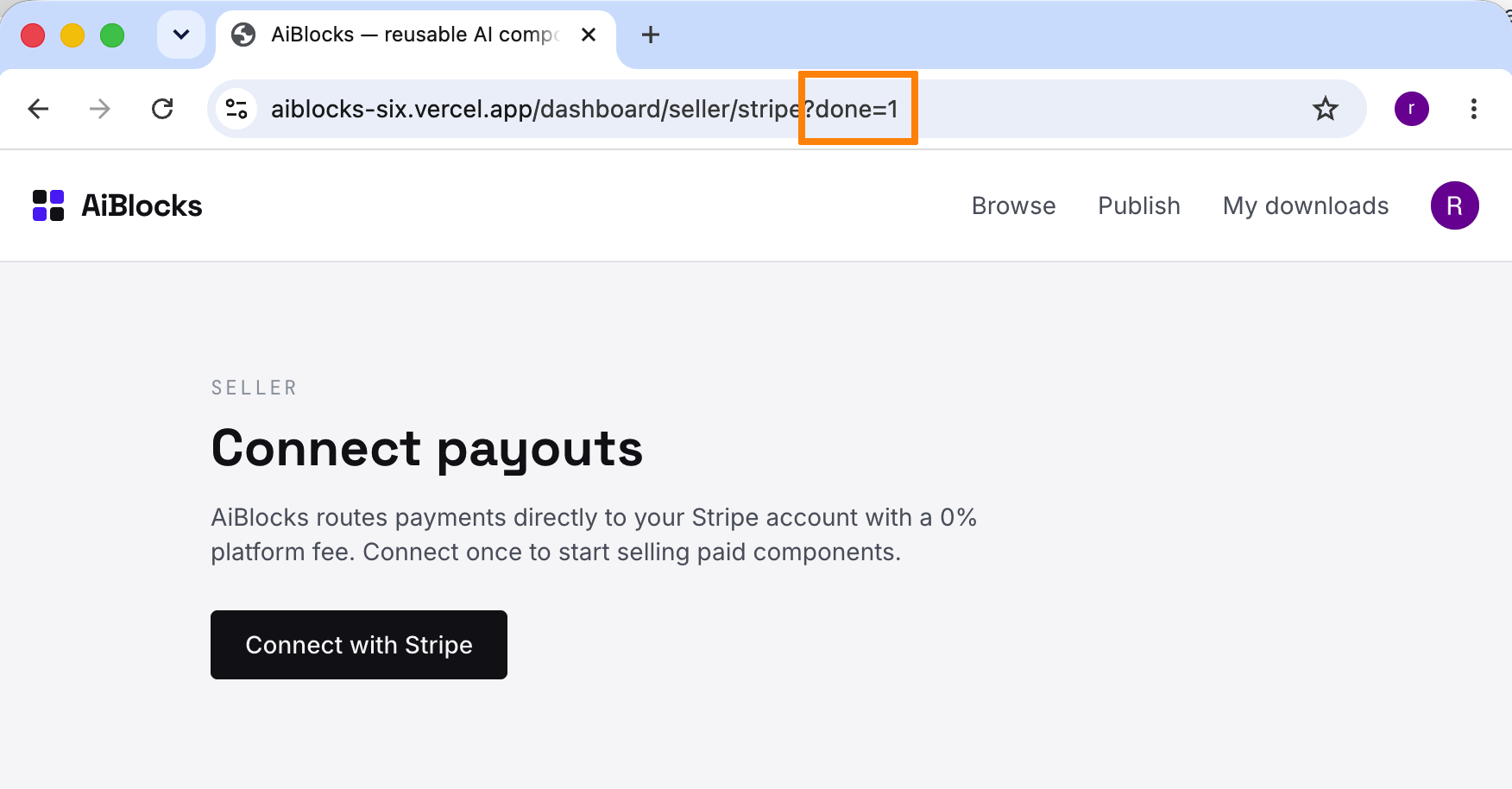
Once Stripe finishes onboarding your account, you’re returned to AiBlocks and can sell paid components.